
Rehearsal Recordings: From Phone Memo to Shareable Track
Phone recordings of band practice are quiet, boomy, and stuck in Apple's format. The five-minute cleanup that makes them good enough to share and learn from.
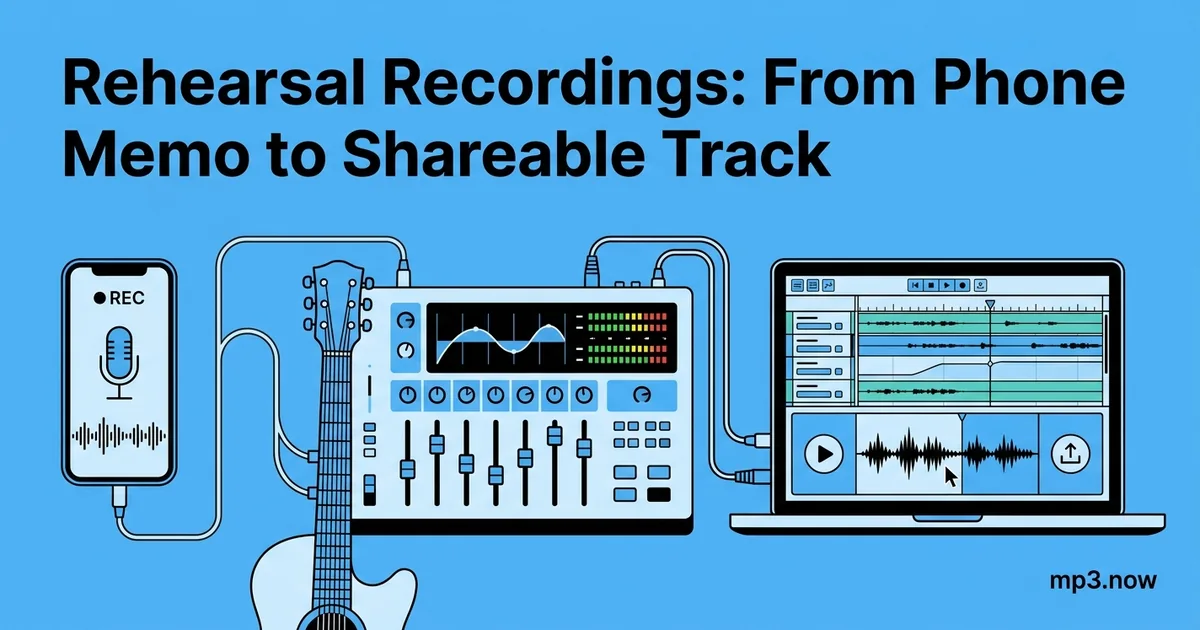
Every band has the same folder: forty voice memos named "New Recording 27," recorded from a phone on top of a guitar amp, each one too quiet on the vocals, boomy in the low mids, with ninety seconds of tuning and arguing before the song starts. The recordings are genuinely useful — they settle arguments about tempos, capture riffs that would otherwise be forgotten, and let the singer learn the new bridge on the commute. But in their raw state, half the band cannot even open them, because Apple's Voice Memos app saves M4A files that some Android phones, older car stereos, and most rehearsal-notes apps handle badly or not at all.
Here is a five-minute cleanup that turns a phone memo into a track everyone can play, loud enough to hear, trimmed to the music. No editing software required.
Why phone recordings sound the way they do
Phone microphones are optimized for speech at conversational distance, and the recording chain makes three predictable compromises in a rehearsal room:
- Automatic gain control ducks the loud parts. The phone hears a snare hit, decides the input is overloading, and pulls the level down — then slowly brings it back up during the quiet verse. The result is a recording whose average level sits far lower than it needs to, with the loudest moments squashed.
- Room boom dominates. A phone lying on an amp or a table picks up low-frequency energy through the surface and the room's standing waves. That is the "recorded in a shoebox" character — nothing fully fixes it after the fact, but raising the overall level and listening on small speakers hides a lot.
- The format is wrong for sharing. Voice Memos writes AAC audio in an M4A container. It is an efficient codec, but MP3 is still the format that opens absolutely everywhere — see the FAQ on converting voice memos to MP3 for the full background.
The five-minute cleanup, step by step
Step 1: Get the file off the phone
In Voice Memos, tap the recording, then the share icon, and send it to yourself — AirDrop to a Mac, or save to Files or Drive if you are moving it to another machine. You now have an .m4a file. Resist the urge to share this raw file to the band chat; two minutes of cleanup makes it dramatically more listenable.
Step 2: Convert M4A to MP3
Run the file through an M4A to MP3 converter. For rehearsal audio, 192 kbps is a sensible target — the source is a phone microphone, so 320 kbps preserves nothing extra, while 128 kbps can add audible swirl to cymbals that are already rough. The conversion also strips the container quirks that make some players refuse the file outright.
Step 3: Trim the dead air
Nobody needs the tuning, the count-in argument, or the four minutes of noodling after the song fell apart. Use a trim tool to cut the file down to the take itself, with a second or two of pre-roll. If the memo contains three songs, trim it three times into three files — future-you, searching for "the fast one from March," will be grateful. The trimming FAQ covers how to make clean cuts without mangling the edit points.
Step 4: Normalize the level
This is the step that makes the biggest audible difference. Because of the phone's gain riding, a raw memo often peaks 10 dB or more below full scale, so it sounds feeble next to anything else on shuffle. Run it through loudness normalization to bring the whole file up to a consistent target. Loudness normalization (as opposed to simple peak normalization) raises the perceived volume of the whole performance rather than just scaling to the single loudest snare hit — the FAQ on audio normalization explains the distinction.
Step 5: Name it and share it
A rehearsal archive is only useful if you can find things in it. A convention like 2026-07-18_new-song-fast-bridge_take2.mp3 takes five seconds to type and makes the folder searchable forever. Then drop the file in the band chat or shared drive — as MP3, it will play inline on every platform and phone in the group.
Making the next recording better
Cleanup fixes level and format; it cannot restore what the microphone never captured. Three zero-cost changes improve the source dramatically:
- Move the phone off the amp. Put it across the room at head height, roughly equidistant from drums and amps, resting on something soft to decouple it from surface rumble.
- Point the microphone end at the band. Phone mics sit at the bottom edge; a phone facing the wrong way records mostly wall reflections.
- Lock the screen and leave it alone. Handling noise is brutal on a phone recording; one long capture you trim later beats stopping and starting between songs.
Turning a memo into practice material
Once the recording is a clean MP3, it becomes raw material. The guitarist can slow a tricky section down with a speed changer to learn it note by note. The band can stack several cleaned takes of the same song side by side to compare arrangements from different weeks. And when a song is nearly ready, merging the best rehearsal take with a click-in count makes a serviceable scratch track for a proper recording session.
When a memo becomes a demo
Occasionally a rehearsal take has magic worth sharing beyond the band. Be honest about the ceiling: a normalized, trimmed phone recording is a document, not a production. If the take matters, use it as the tempo and arrangement reference for a proper multitrack session. But for the actual job of rehearsal recordings — remembering parts, checking tempos, hearing the arrangement from the outside — a cleaned-up memo is completely fit for purpose.
The whole chain — convert, trim, normalize, rename — takes about five minutes per rehearsal, and it compounds. Six months in, you have a searchable, listenable history of every song's evolution instead of a graveyard of gray waveforms named "New Recording."