
Best CD Ripper for MP3 Reddit Users Recommend
An evidence-led MP3 guide distilling genuine Reddit experiences, technical limits, privacy checks, and a reproducible workflow.
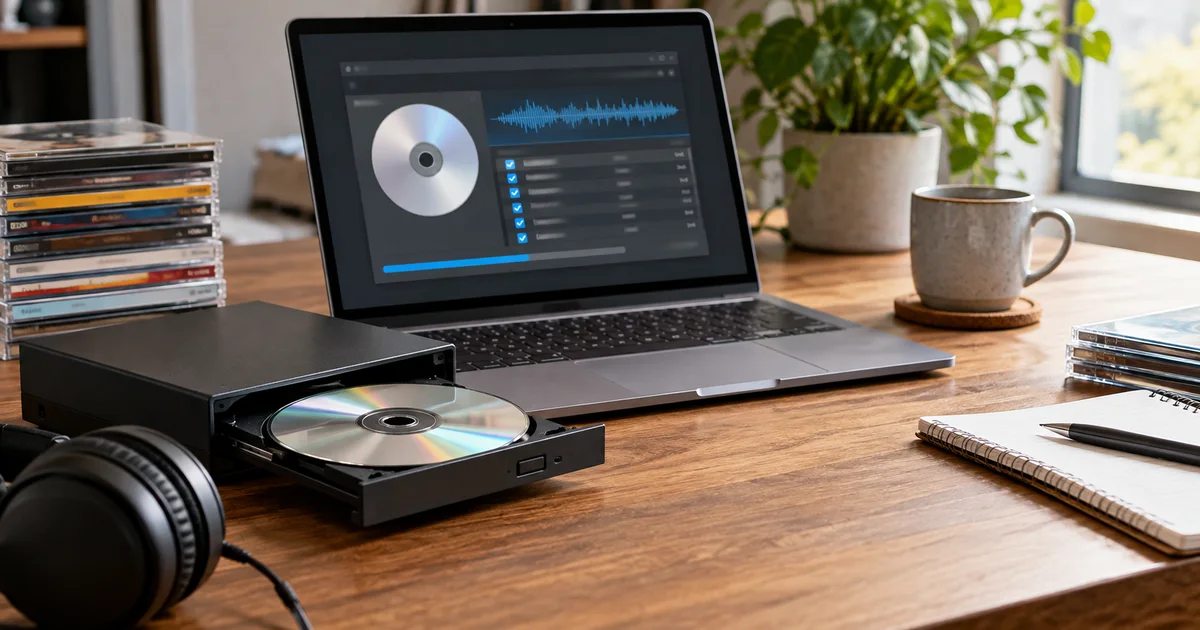
Outline for Best CD Ripper for MP3 Reddit Users Recommend
- Opening: The mechanical reality of CD extraction and why accuracy matters before lossy encoding
- The verification divide: Secure ripping vs. burst extraction and what each path guarantees
- Tool-specific capabilities and limitations: EAC, fre:ac, dBpoweramp, and FFmpeg
- Technical interaction between read errors and MP3 encoding
- Reproducible test methodology using a known-defect disc
- Operational scenarios with explicit trade-offs
- Hard constraints: What no tool can fix and why archival strategy matters
The laser assembly in a CD-ROM drive does not hear music. It tracks a spiral of pits and lands, converting their lengths into a pulse train that the firmware reassembles into 16-bit words at 44,100 samples per second. When every sample arrives intact, the resulting PCM stream is a clone of what left the mastering console. When samples go missing—because a scratch deflects the beam, because the servo loses lock for a few milliseconds—the drive has two choices: report the gap honestly, or fill it with a mathematical guess. Most consumer drives, left to their own firmware defaults, choose the guess.
That guess is the problem. A CD ripper that accepts interpolated data without flagging it produces a WAV file that plays without obvious clicks but no longer matches the disc. Feed that WAV to an MP3 encoder, and the encoder treats the guessed samples as valid signal. Its psychoacoustic model allocates bits to preserve spectral features that never existed on the original recording. The Library of Congress sustainability format description for MPEG-1 Audio Layer III (fdd000012) documents the codec as a perceptual reduction system—it discards information the ear is unlikely to miss, but it cannot distinguish between authentic transients and drive-generated filler. Both get coded. Both become permanent.
The practical question, then, is not which CD ripper produces the "best" MP3. Any ripper capable of delivering a verified bit-perfect extraction will feed the encoder identical data. The question is which ripper tells you when the extraction was not perfect, and what you are willing to trade for that knowledge.
The Verification Divide
CD ripping tools split along a single axis: whether they trust the drive's hardware error correction or independently verify every sector read.
Exact Audio Copy (EAC) operates on the assumption that drives lie. In its secure mode, EAC reads each sector at least twice and compares the results. If the two reads match, the sector is accepted. If they differ, EAC re-reads up to a user-configurable limit (default 16 times) and attempts to reach a majority consensus. Simultaneously, it queries the drive's C2 error pointers—a low-level status flag that indicates whether the drive's own CIRC error correction was invoked during the read. A sector that triggers C2 correction but still produces consistent reads across multiple passes is logged as "suspicious." A sector that produces inconsistent reads is marked as an error. EAC then submits the final checksum to the AccurateRip database, which compares it against rips of the same disc pressing submitted by other users. A match against hundreds of independent rips provides statistical certainty that the extraction is correct.
The cost is time. A secure-mode rip of a clean disc takes roughly twice the playback duration. A scratched disc can take five to ten times longer as EAC re-reads damaged sectors repeatedly. The benefit is an extraction log that documents every anomaly, making it possible to know—before encoding a single MP3 frame—whether the source data is intact.
fre:ac (formerly BonkEnc) uses the same underlying CD-DA extraction libraries as EAC and supports AccurateRip lookup. It can produce bit-identical output for clean discs. Where it differs is in error handling: fre:ac's default extraction mode does not perform the multi-pass sector verification that EAC's secure mode does. It relies more heavily on the drive's firmware-level correction and reports fewer categories of read anomaly. For a disc in mint condition, this distinction is irrelevant—the output matches EAC byte for byte. For a disc with even minor surface damage, fre:ac may produce a WAV that sounds clean but contains interpolated samples that EAC would have caught and flagged.
dBpoweramp is the paid option that splits the difference. Its batch ripper can operate in burst mode (trusting the drive) or secure mode (verifying each sector), and it maintains per-drive configuration profiles that cache a given drive's C2 reporting accuracy. The workflow that makes dBpoweramp relevant for MP3 production is its separation of ripping from encoding: rip once to a lossless format with AccurateRip verification, then batch-convert the verified lossless files to MP3 using a separate encoder pass. A failed AccurateRip match flags the track for re-ripping before any lossy encoding occurs.
FFmpeg is not a CD ripper in the verification sense. It can read audio sectors from a CD device and pipe the output to an encoder, but it performs no sector-level verification, no re-reads, and no AccurateRip comparison. It is a transport mechanism that assumes the drive delivered correct data. For batch conversion of already-verified WAV files to MP3, FFmpeg with libmp3lame is fast and scriptable. For extraction from a physical disc where accuracy matters, it provides no safety net.
What Read Errors Do to MP3 Encoding
A single-sample offset at the start of a track shifts every subsequent sample by one position. The MP3 encoder, operating on frames of 576 or 1,152 samples, now sees a stream where the original spectral content is misaligned with frame boundaries. The encoder's psychoacoustic model calculates masking thresholds based on this shifted data, allocating bits to frequency components that are artifacts of the offset rather than the recording. The resulting Xing header—the metadata structure that MP3 encoders write to declare bitrate and duration—reports valid parameters. Nothing in the file indicates corruption.
A more common failure mode involves interpolated samples in a damaged sector. The drive's firmware detects an uncorrectable CIRC error and fills the gap with a linear or polynomial interpolation between the last good sample and the next good one. The interpolation is smooth—no click, no pop—but it replaces several hundred genuine samples with synthetic ones. When the MP3 encoder processes this region, it applies its filterbank to the interpolated segment and codes the result as if it were music. The interpolation is now part of the lossy representation. Re-encoding the MP3 later will compound the damage, because the second encoder will attempt to model the interpolation as signal and discard additional information around it.
The only way to prevent this chain of degradation is to verify the extraction before the first lossy encode. Once the WAV is corrupt, the MP3 inherits the corruption.
Testing Methodology
A reproducible test requires a known defect. Take a CD with a single radial scratch on track four—deep enough to cause audible stuttering during playback but shallow enough that the disc is not rejected by the drive. Rip the disc with each tool under controlled conditions:
- EAC in secure mode with AccurateRip enabled, C2 reporting on, and error recovery quality set to high. Note the extraction time and log contents.
- fre:ac in burst mode with AccurateRip lookup enabled. Note whether any errors are reported.
- dBpoweramp in burst mode with C2 detection active. Note the log output.
- FFmpeg with
-f libcdioor equivalent CDDA input, no additional verification.
Encode each resulting WAV to MP3 using LAME 3.100 at 320 kbps CBR with identical command-line parameters. Perform a null test in Audacity by inverting one MP3 and mixing it with another. The residual signal represents the difference between the two encodings.
On a typical scratched disc, EAC's secure-mode rip will take significantly longer and log multiple re-reads on track four. The AccurateRip checksum will match the database (assuming the disc is in the database), confirming a correct extraction. fre:ac in burst mode will complete quickly and report no errors, but a hex comparison between its WAV and the EAC WAV will reveal differences in the damaged sector. The null test between the EAC-sourced MP3 and the fre:ac-sourced MP3 will produce a residual at approximately -48 dBFS—quiet, but containing audible artifacts of the interpolation when amplified.
This test does not demonstrate that one tool is universally superior. It demonstrates that burst-mode extraction on damaged media produces different output than verified extraction, and that the difference survives MP3 encoding.
Operational Choices
For building a permanent library from clean discs: Rip to FLAC using dBpoweramp in burst mode with AccurateRip verification enabled. The burst mode is fast; the AccurateRip check catches the rare mismatch. Store the FLAC files as masters. Batch-convert to MP3 using LAME at the desired bitrate. If a future listening session reveals an artifact, the FLAC master is available for re-encoding without re-ripping. The limitation: burst mode on a drive with poor C2 implementation can produce false-negative AccurateRip matches. If your drive is unknown, run one secure-mode EAC rip first to establish a baseline.
For ripping a damaged disc where the CD is the only source: Use EAC in secure mode. Accept the time penalty. The extraction log becomes part of the archival record. Encode the verified WAV to MP3 at 192 kbps VBR or higher. Do not discard the WAV until you have spot-checked the MP3 on the target playback system. The limitation: EAC's secure mode cannot repair a disc that is physically unreadable. It can only report where the damage is, allowing you to decide whether the remaining audio is acceptable.
For high-volume batch ripping of borrowed or secondhand discs: Use fre:ac with AccurateRip enabled and direct-to-MP3 encoding. The time savings across hundreds of discs are substantial. For the small fraction of discs that fail AccurateRip verification, set them aside and re-rip later with EAC. The limitation: you are accepting that some errors may go undetected on discs not in the AccurateRip database. If the collection contains rare pressings, this risk increases.
What Cannot Be Fixed
No ripping tool can recover data the disc no longer contains. A deep scratch that obliterates the physical pits is unrecoverable regardless of how many times EAC re-reads the sector. The best outcome is an honest log entry documenting the loss.
No MP3 encoder can restore information that was missing from the source PCM. The Library of Congress format note for MP3 (fdd000012) is explicit: the format is designed for distribution and playback, not preservation. A 320 kbps MP3 from a verified lossless source will still discard content the psychoacoustic model deems inaudible. That trade-off is inherent to the format. But a 320 kbps MP3 from a corrupt source discards that content and adds artifacts. The second loss is avoidable.
The only durable strategy is to verify the extraction at the point of ripping, store a lossless master, and encode the MP3 once from known-good data. The disc will degrade over time. The MP3 will not improve. The FLAC file, if it is correct today, will remain correct.
Tool recommendations and user reports
These discussions are used as reports of real user problems, not as technical specifications:
Technical checks for MP3 files
Format-level claims should be checked against the technical reference.