
Lossy vs Lossless: FLAC, WAV, MP3 and What You Can Actually Hear
Lossless preserves everything; lossy bets you won't miss what it throws away. When each wins — archiving, editing, listening — and the one-way-street rule of conversions.
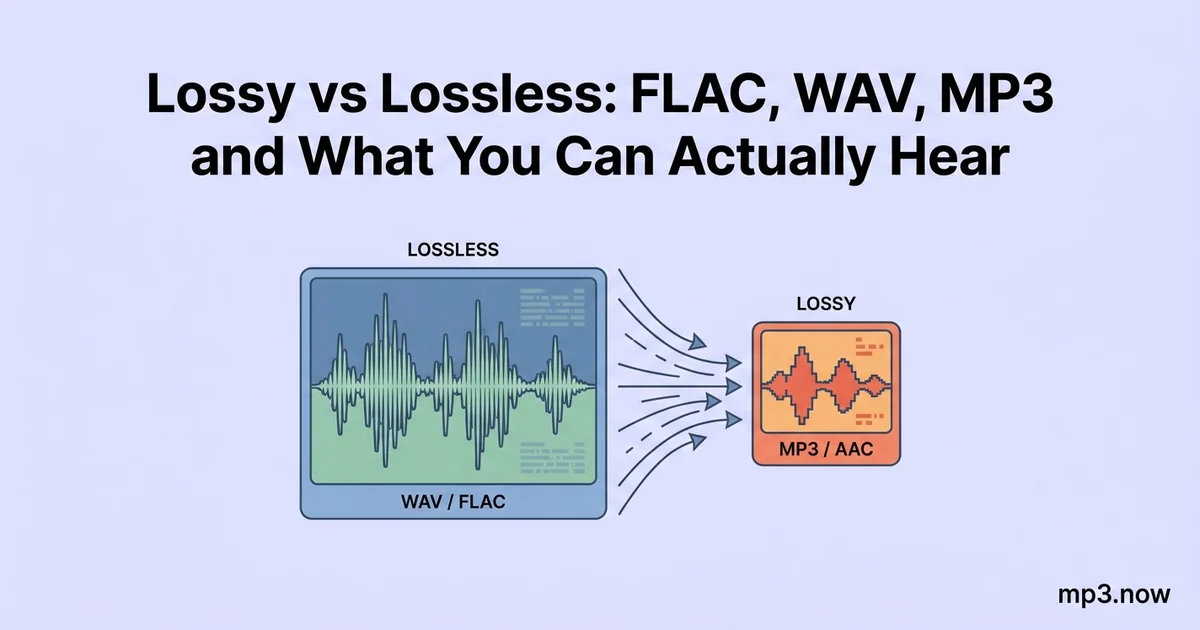
Every audio format ever made sits on one side of a single line: either the file can reconstruct the original recording bit-for-bit, or it cannot. FLAC, WAV, and ALAC are on the first side — lossless. MP3, AAC, and OGG are on the second — lossy, meaning they permanently discard data that a psychoacoustic model bets you will not miss. Both sides are good engineering; the mistakes people make come from using one where the other belongs, or from believing a conversion can move a file back across the line. Here is what each side actually does, what you can and cannot hear, and the one-way-street rule that should govern every conversion you make.
What lossless means
A lossless file is a perfect record of the audio. WAV stores the raw samples uncompressed — about 10 MB per minute at CD quality — while FLAC compresses the same data the way a ZIP file compresses a document: cleverly, reversibly, typically to 50–70 percent of WAV size. Decode a FLAC and you get back the exact original samples, every time. ALAC is Apple's equivalent. The formats differ in compatibility and features, not in fidelity — every lossless format sounds identical to every other because they all reproduce the same bits. (FLAC's specifics are covered in this FLAC explainer.)
What lossy means
A lossy encoder analyzes the audio and throws data away — permanently — guided by models of human hearing: quiet sounds masked by louder simultaneous ones, frequencies at the edge of perception, detail the ear integrates rather than resolves. At generous bitrates the bet mostly pays off; a well-encoded 320 kbps MP3 is indistinguishable from lossless for the overwhelming majority of listeners in blind tests. At low bitrates the discarding becomes audible: swishy cymbals, smeared applause, a dull ceiling on the top end. The crucial point is that the loss happens at encoding time and is irreversible. The discarded data is not hidden in the file; it is gone.
What can you actually hear?
Decades of blind ABX testing produce a consistent, humbling picture:
- 128 kbps MP3 vs lossless: often detectable on revealing material (cymbals, applause, dense mixes), frequently not on ordinary pop through ordinary gear.
- 320 kbps MP3 vs lossless: most listeners — including most who are certain otherwise — perform at chance. A minority of trained listeners pass on specific difficult samples.
- Lossless vs lossless: identical by definition. Anyone who hears a difference between WAV and FLAC of the same master is hearing expectation.
So why does lossless matter at all? Because audibility today is not the only stake. Lossless matters for what you do with the file next.
When each side wins
Lossless wins: archiving and editing
- Archiving. A lossless master is the copy from which every future format can be generated. Rip your CDs to FLAC once and you can produce MP3s at any bitrate forever; rip to MP3 and that decision is permanent.
- Editing and production. Every edit-and-re-export of a lossy file re-encodes it, stacking a fresh generation of loss. Work in WAV or FLAC; export to lossy once, at the end, as the final step.
- Uploading to services that re-encode. Streaming platforms and distributors transcode whatever you give them; feeding them lossless means their encode is the first generation of loss, not the second.
Lossy wins: listening and distribution
- Everyday listening. A 320 kbps MP3 delivers audibly transparent quality at a quarter of WAV's size.
- Compatibility. MP3 plays on essentially every device manufactured this century — car stereos, ancient portables, every OS and browser. FLAC support is broad now but still not universal (Apple's ecosystem prefers ALAC).
- Sharing and bandwidth. Email caps, upload limits, and phone storage all favor lossy by a wide margin.
The one-way-street rule
Conversions across the line only work in one direction. Converting FLAC to MP3 works exactly as intended: you trade inaudible-to-most data for a 70–80 percent size reduction. Converting MP3 to FLAC is technically possible and sometimes genuinely useful — a device or platform may require lossless input, and the FLAC copy at least adds no further loss — but it cannot restore anything. The result is a large file with exactly the quality of the MP3 it came from. Anyone who promises otherwise is selling something. The same logic makes lossy-to-lossy transcoding (MP3 to AAC to MP3) the worst path of all: each hop discards fresh data. The full family tree of these trade-offs is in MP3 vs FLAC and lossy vs lossless.
The storage math, for scale
Concrete numbers make the policy easier to commit to. A 1,000-album collection at CD quality runs roughly 450 GB as WAV, about 250–300 GB as FLAC, and about 65 GB as 192 kbps MP3. On a modern multi-terabyte drive, keeping the FLAC masters costs a single-digit percentage of the disk; on a 128 GB phone, the MP3 copies are the only version that fits alongside your life. That asymmetry is the whole strategy: the masters live where storage is cheap (a desktop drive and a backup), the lossy copies live where storage is scarce (phones, players, sticks), and a FLAC to MP3 converter is the bridge you cross whenever a new device shows up.
A sane personal policy
- Master in lossless: rip and record to FLAC or WAV; that archive is permanent value.
- Listen in lossy: generate MP3s from the masters with a WAV to MP3 or FLAC converter at 192–320 kbps for phones, cars, and sharing.
- Convert downhill only, and from the top: always encode lossy copies from the lossless master, never from another lossy file.
- Never delete the master to save space until you have done the math twice — storage gets cheaper every year; re-ripping a collection does not.
Lossless preserves everything and costs storage; lossy bets on your ears and wins that bet far more often than audiophile folklore admits. Use lossless where the file has a future, lossy where it has an audience, and never expect a converter to give back what an encoder threw away.