
Best MP3 Tag Editor Reddit Users Recommend
An evidence-led MP3 guide distilling genuine Reddit experiences, technical limits, privacy checks, and a reproducible workflow.
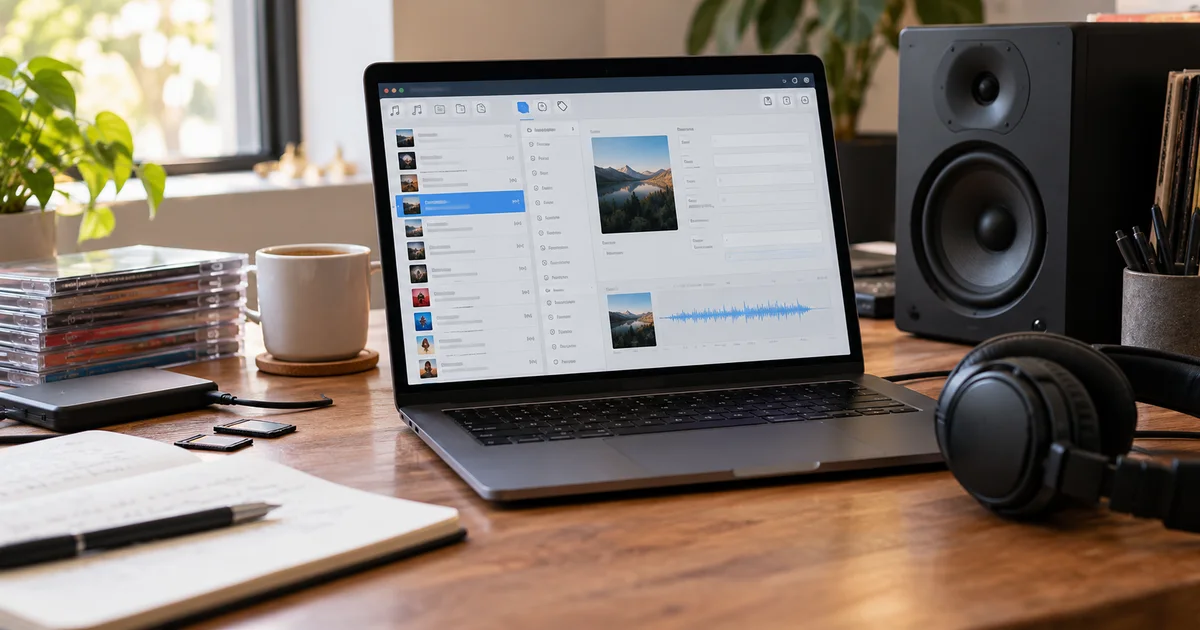
An MP3 file carries two distinct payloads: the compressed audio frames and the metadata envelope, known as ID3 tags. A single corrupted or inconsistent tag field—a missing TPE1 (artist) or a malformed APIC (cover art)—can break a library’s sort order, crash a car player’s display, or force a full rescan of 20,000 tracks. The Library of Congress technical reference for MP3 (FDD000012) confirms that ID3v2 tags are appended to the beginning of the file, meaning a bad tag write can shift the audio data offset and render the first frame unplayable. The question is not which editor looks clean—it is which editor survives a 50,000-file library without corrupting a single frame.
How a bad editor silently breaks MP3 files
The most common damage from a poor tag editor is not audible degradation but structural corruption. When an editor writes an ID3v2.4 tag but the hardware player only parses ID3v2.3, the player may skip the entire first second of audio. Some editors attempt to “fix” a low-bitrate source by rewriting the Xing or VBRI header to report 320 kbps. This does not improve audio quality—it creates a file whose header claims 320 kbps while the frames still contain the original 128 kbps data. The file may appear larger after the edit, but the audio payload is unchanged. The editor must preserve existing headers exactly unless the user explicitly chooses to re-encode—which, given the irreversible loss of transcoding one lossy format to another, should almost never happen.
A second failure mode involves cover art. A naive editor may downscale a 1200×1200 PNG to a 500×500 JPEG without warning, then embed it as an APIC frame that exceeds the player’s memory buffer. Some car stereos hard-crash on oversized art. The correct behavior is to either reject oversized images or resize them conservatively while logging the change.
Mp3tag: the tool that survives large libraries
Across long-running threads in r/mp3players and r/musichoarder, one editor appears consistently: Mp3tag (mp3tag.de). Its reputation rests on three behaviors that matter for preservation.
First, Mp3tag reads the existing ID3v2.3 or v2.4 structure and modifies only the fields you explicitly change. It does not rewrite every frame. If the original file contained a valid COMM (comment) frame from Exact Audio Copy or dBpoweramp, Mp3tag leaves it untouched. Second, it preserves gapless playback metadata for both MP3 (the iTunes-format iTunNORM and iTunSMPB fields) and AAC-in-MP4. Users migrating from iTunes to a portable player have confirmed that Mp3tag retains these fields without truncation. Third, it handles libraries of 100,000 or more files without crashing, and its export-as-text function lets you audit every tag field before committing writes.
Mp3tag is not free—it requires a license after a trial period—but the trial imposes no functional restrictions that prevent testing on a full collection. All operations are local; the application does not require an account or network access.
Free alternatives and where they fail
Windows Explorer's property panel silently converts ID3v2.4 tags to v2.3 when you edit any field through the Properties dialog. This can break UTF-16 artist names containing accented characters. VLC's Media Information dialog writes a minimal ID3v1 tag that truncates artist and title fields to 30 characters. Neither tool is safe for batch work or for files destined for a dedicated player.
MusicBee includes a capable tag editor, but its library database is proprietary. If you move files to a different operating system or player, metadata may not survive a rescan unless you explicitly issue a "write to files" command beforehand. MusicBee also rewrites the entire ID3 structure by default, which can strip custom frames such as TXXX (user-defined text) or PRIV (private data) that some workflows depend on.
FFmpeg can edit basic tags via the -metadata flag, but it cannot handle cover art or multi-value fields like multiple genres without complex scripting. It is best reserved for batch conversion, not library metadata cleanup.
A reproducible validation test for any editor
Before committing to a tag editor, run this test on a single file. Take one MP3 encoded from a lossless source at a known bitrate—for example, a FLAC converted to 320 kbps CBR via fre:ac or FFmpeg. Use a hex editor or a tool like mp3info to read the Xing header and confirm the bitrate. Open the file in the candidate editor, change only the genre field, and save. Re-read the Xing header. If the bitrate field changed, or if the file size changed by more than the difference in tag length, the editor is rewriting audio frames and should be discarded.
Next, test cover art handling. Embed a 2000×2000 pixel image. If the editor resizes it without asking, or if the resulting file size is significantly smaller than the original image plus the audio payload, the editor is discarding image data. Mp3tag allows you to set a maximum pixel dimension and warns before exceeding it.
Scenario-specific tool choices
You have a 5,000-file library from mixed sources (lossless transcodes, YouTube rips at 128 kbps). Use Mp3tag. It will not re-encode audio, will preserve the original Xing headers, and will let you batch-remove strings like "(Official Video)" from titles without touching other fields. No login or cloud sync is required.
You need to quickly fix a single file's artist tag on a Windows laptop. Windows Explorer works only if you first confirm the file uses ID3v2.3 and contains no UTF-16 characters. If uncertain, use Mp3tag's trial.
You are building a library for a player that requires ID3v2.3 with gapless metadata. Mp3tag lets you specify the ID3 version per export profile. Most free editors force v2.4, which older players cannot parse.
You want a scriptable, free solution. FFmpeg's - metadata flag handles basic fields but not cover art or multi-value tags. It is a conversion tool, not a metadata manager.
The hard limit: why you cannot tag your way to better audio
The single most damaging mistake reported in library-management threads is opening a 128 kbps MP3 and typing "320" into the bitrate field. This alters only the Xing header; the audio frames remain unchanged. The file size stays roughly the same, and perceived quality still peaks at 128 kbps. If the source is lossy, do not touch the header fields for bitrate or sample rate. If you must re-encode—for example, to convert VBR to CBR for a player that stutters on variable bitrate—go back to the lossless master. If no lossless master exists, the current file is the best you will have. A tag editor cannot recover detail discarded during the original encode.
Post-edit audit checklist
Before closing your editor, run a three-field audit on a random subset of files: sample rate (should be 44100 Hz for most music), channels (should be 2 for stereo), and the presence of a gapless playback frame—iTunSMPB for iTunes-origin files, or a valid LAME header for LAME-encoded files. Mp3tag can display all three in a custom column view. If any file shows a sample rate of 22050 Hz or a channel count of 1, flag it: that file was likely downmixed or downsampled, and its metadata may misrepresent the original encode.
Tool recommendations and user reports
These discussions are used as reports of real user problems, not as technical specifications:
Technical checks for MP3 files
Format-level claims should be checked against the technical reference.