
How to Batch Convert Audio to MP3 Using Reddit’s Library Workflow
An evidence-led MP3 guide distilling genuine Reddit experiences, technical limits, privacy checks, and a reproducible workflow.
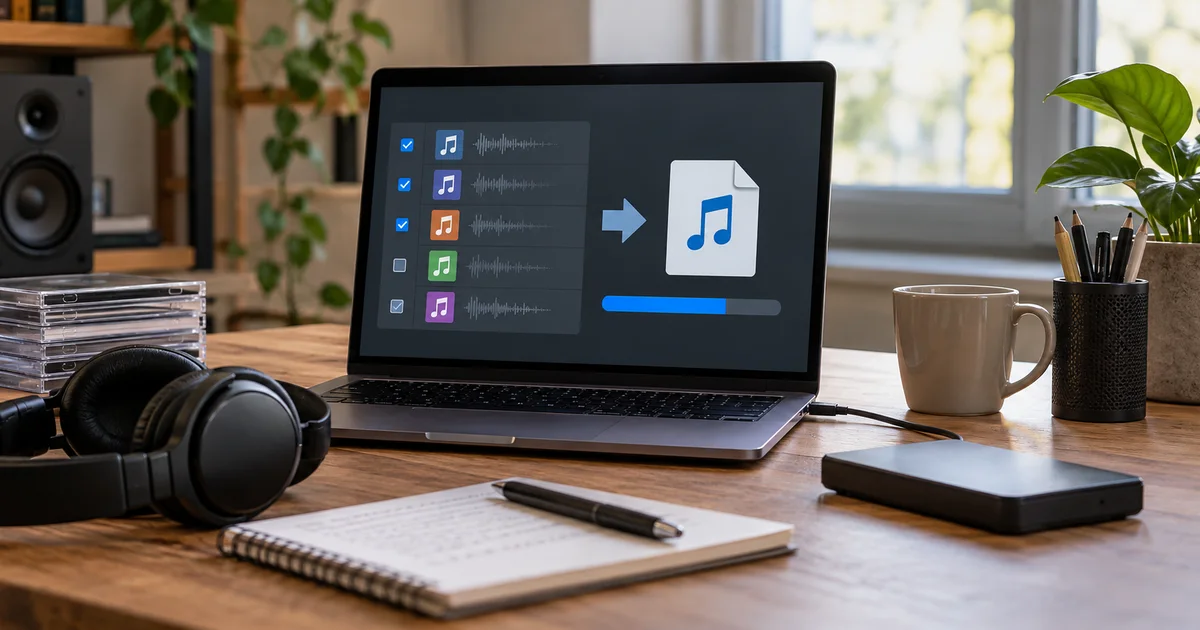
You drop a single FLAC into a converter, pick 320 kbps, and the result is indistinguishable from the original. The same workflow pointed at a folder of 300 files—CD rips, 128 kbps YouTube pulls, stray MP3s recovered from an old drive—produces something else entirely: bloated files, clipped transients, and one track that skips mid-playback because its Xing header was stale before the encoder touched it.
This procedure covers batched MP3 conversion that respects what the source already is. The goal is one consistent MP3 output without discarding data you could have kept and without padding files that cannot improve.
Why batch conversion breaks
Batch converters treat every file identically. A lossless FLAC from a CD holds roughly 96 dB of dynamic range. A lossy M4A from a streaming service already discarded frequency content above 16 kHz. Feeding both into the same 320 kbps LAME preset wastes space on the M4A and risks generation loss on the FLAC.
Hard limit: Transcoding one lossy file into another cannot restore detail. Labeling a low-bitrate source as 320 kbps creates a larger file, not better audio.
Sort sources by lossy generation
Before the converter sees a single file, separate the library into three groups:
- Lossless originals: FLAC, ALAC, WAV, AIFF. Safe to convert to 320 kbps CBR or V0.
- High-bitrate lossy: MP3 at 256 kbps or higher, AAC at 192 kbps or higher. Convert to the same bitrate or one step lower (e.g., 256 kbps → 192 kbps) to limit generation loss.
- Low-bitrate lossy: Anything at or below 128 kbps. Convert to 128 kbps CBR or V2. Going higher adds bytes, not fidelity.
Use a file manager or a simple script to move files into folders by extension and bitrate. ffprobe (part of FFmpeg) can read bitrate from headers in one pass. For a small library, Mp3tag shows bitrate per file in a sortable column.
Select an encoder and bitrate strategy
Three local tools handle mixed sources reliably:
- fre:ac (free, cross-platform) reads source sample rate and bit depth automatically. You set a target bitrate—V0, V2, 320 CBR—and it applies that to every file. It will not upsample a 44.1 kHz file to 48 kHz unless forced. This is the safest choice without scripting.
- dBpoweramp (paid, Windows) provides per-track bitrate profiling and can apply different conversion settings by source bitrate. Its Batch Converter mode accepts rules: “if source bitrate < 192 kbps, use 128 kbps CBR; if source is lossless, use V0.” This is the most precise approach for a mixed library.
- FFmpeg (free, command-line) offers the most flexibility. A single loop can read bitrate with
ffprobeand apply a conditional bitrate withffmpeg. This requires scripting but gives full control over sample rate, channel mapping, and header writing.
Privacy note: All three tools run locally. Avoid web-based batch converters that upload files to a remote server—mp3.now is fast but processes files server-side. For a private library, stay local.
Preserve sample rate, channels, and gapless metadata
Batch conversion often ignores three properties that matter after the encode finishes.
Sample rate. Sources may mix 44.1 kHz (CD), 48 kHz (video), and 96 kHz (high-resolution). MP3 supports up to 48 kHz. A 96 kHz source downsampled to 48 kHz in the encoder is fine. The problem arises when the encoder resamples everything to 44.1 kHz by default, which changes pitch and timing for 48 kHz files. In FFmpeg, use -ar 44100 only when all sources are confirmed 44.1 kHz. Otherwise, let the encoder match the source sample rate up to 48 kHz.
Channels. Most music is stereo. Some files are mono (podcasts, old radio recordings). Some are 5.1 surround. A batch converter that downmixes everything to stereo will collapse the center-channel dialogue in a podcast. Check channel count before conversion. fre:ac preserves the original channel layout unless you explicitly set a downmix.
Gapless playback. Not all MP3 encoders write the header information required for seamless track transitions. The LAME encoder (used by fre:ac, dBpoweramp, and FFmpeg) supports gapless playback when the --nogap switch or the equivalent GUI option is enabled. Without it, a classical album or a live mix will insert a small silence between tracks. Verify by converting two consecutive tracks and playing them back on the target device. If there is a pop or gap, re-encode with the gapless flag.
Recover tags and cover art post-conversion
Batch conversion to MP3 often strips metadata. ID3v2.3 tags survive most encoders; ID3v2.4 tags, APE tags, and embedded cover art may be dropped.
- Scan the output folder with Mp3tag and sort by “tag present” columns. An empty artist or album field means the encoder did not copy tags.
- Cover art embedded in a FLAC file as a picture block is usually not transferred to MP3. Extract it before conversion with
ffmpeg -i input.flac -an -vcodec copy cover.jpg, then attach it to the MP3 using Mp3tag or FFmpeg’s-metadata:s:v comment="Cover (front)". - Filenames are not tags. A file named
01 - Track.flacmay become01 - Track.mp3in the batch while the internal tag still says “Track” with no track number. Rename or tag accordingly.
Validate with targeted listening
Judge whether a batch setting is acceptable by listening on the system you will actually use—car stereo, gym earbuds, portable MP3 player—not on headphones that boost bass or speakers that mask distortion.
For a batch of 300 files, you do not need to audition every track. Pick five: one from each source group (lossless, high-bitrate lossy, low-bitrate lossy). If the low-bitrate source at 128 kbps sounds acceptable on your playback system, the rest of that group is fine. If the lossless source at V0 is indistinguishable from the original FLAC, the encoder settings are correct.
Archive a lossless master
Batch conversion is destructive. Once you overwrite the FLAC folder with MP3s, the original dynamic range and sample rate are gone. The Library of Congress format description for MP3 (FDD000012) notes that MPEG audio encoding is lossy—the quantization process is irreversible.
Hard limit: Keep a lossless master when the recording or collection matters. Convert only copies. If disk space is tight, archive the lossless files to an external drive or cloud storage. The batch job should run against a copy of the source directory, never the original. After conversion, delete the copy, not the master. This single rule prevents the most common regret: deleting FLACs under the assumption that 320 CBR is identical, then hearing the difference on better equipment later.
Workflow discussions reviewed
These discussions are used as reports of real user problems, not as technical specifications: