
Intros, Outros, and Mid-Rolls: The Podcast Merge Workflow
Stitching pre-recorded intro music, episode audio, and ad reads into one file without editing software. Includes the level-matching step most people skip — and hear.
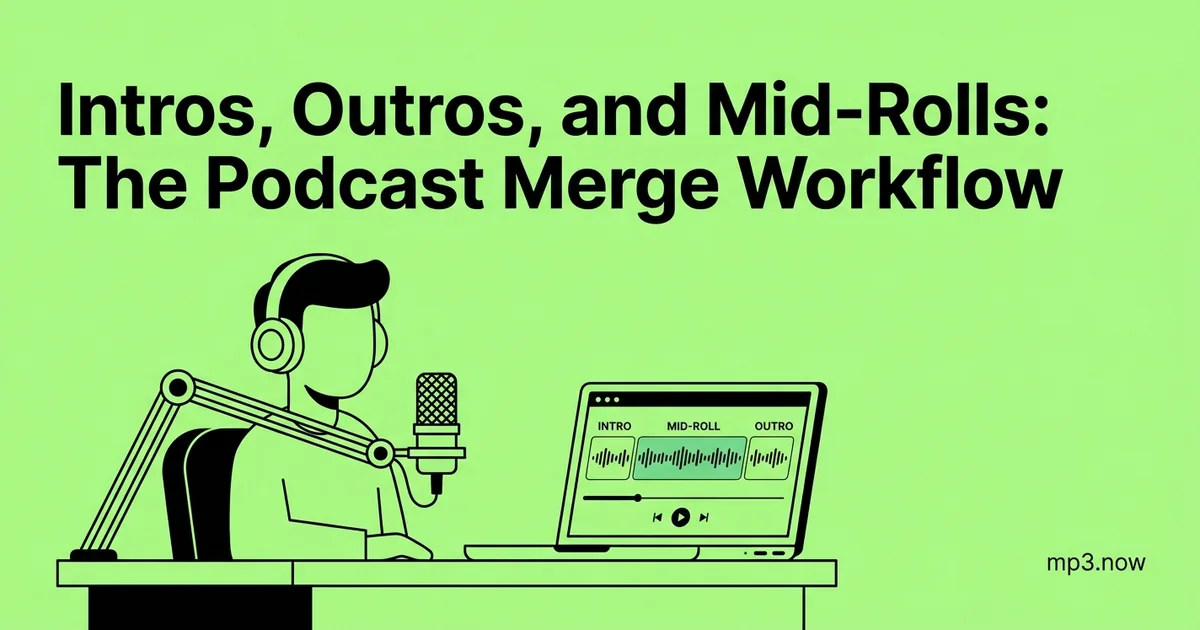
Every episode of your show opens with the same fifteen seconds of music and closes with the same call to action — so why are you dragging those files into an editing session every single week? The assemble-from-parts workflow treats an episode as modular segments: a pre-recorded intro, the episode audio, ad reads, and an outro, stitched together at the file level in minutes. No editing software, no session files, no re-exporting the same intro for the two-hundredth time. Here is the full workflow, including the level-matching step most people skip — and everyone hears.
The modular episode architecture
The building blocks, each a finished MP3 you produce once and reuse:
- Evergreen intro: theme music plus your standard welcome. Ten to twenty seconds. Made once per season.
- Episode body: the only file that changes every week — the edited conversation or monologue.
- Ad reads / announcements: individually recorded segments you can swap without touching the episode.
- Evergreen outro: credits, call to action, theme out.
The payoff is flexibility: when a sponsorship ends, you re-merge old episodes without the expired ad instead of re-editing them. When the intro gets a refresh, next week's build just uses the new file.
Step 1: trim every component clean
Merged files are only as tight as their edges. A half-second of silence at the end of the intro becomes a dead gap before your first word, and it will be there in every episode you build. Run each component through a trimmer once: cut the intro so it ends exactly where the music resolves, cut the episode body so it starts on the first syllable, trim the outro's tail to a clean fade. The trimming guide covers picking cut points precisely. This is a one-time cost for the evergreen parts — only the weekly episode body needs trimming again.
Step 2: level-match — the step everyone skips
Here is what the skipped step sounds like: the intro music is punchy and loud, then the conversation drops to a noticeably quieter level, so the listener turns up the volume — and then the outro arrives 6 dB hot and blows their ears out. Merging does not blend levels; it concatenates exactly what you give it, mismatches included.
The fix is to normalize every component to the same loudness target before merging. Run each file through a loudness normalizer set to the same LUFS value — -16 LUFS is the standard podcast target — so the music, the voices, and the ad reads all sit at the same perceived volume. Perceived is the key word: peak normalization will not do it, because dense music and sparse speech with identical peaks differ wildly in loudness. The loudness normalization FAQ explains the difference. Normalize the evergreen parts once and store them ready-to-merge; normalize each week's episode body as the last step of your edit.
Step 3: merge in order
With trimmed, level-matched components, assembly is a single operation in an MP3 merger: queue the files in playback order — intro, episode, outro — and join. Two technical details keep the result clean:
- Match encoding parameters. Files with the same sample rate and channel count merge most cleanly. If your intro is 44.1 kHz stereo and the episode is 44.1 kHz mono, standardize first — either make the intro mono or the episode stereo — so players do not stumble at the transition. The merge FAQ lists the parameters that matter.
- Verify the seams. After merging, listen to ten seconds around each join. You are checking for gaps, clicks, and level jumps — the three artifacts that reveal an assembled episode.
Mid-rolls: the split-and-reassemble variant
Mid-roll ads need one extra move: the episode body itself gets split. Use the trimmer to cut the episode at a natural pause — end of a topic, a beat of silence — producing part A and part B. Then merge five components in order: intro, part A, ad read, part B, outro. Choose the split point by ear, not by clock: an ad that interrupts mid-sentence reads as hostile, while one that lands at a topic boundary feels like a broadcast break. When the campaign ends, rebuild the episode without the ad in one merge operation — this is exactly the scenario where the modular approach embarrasses re-editing.
Housekeeping that keeps the system fast
The modular workflow lives or dies on folder discipline. Keep a components folder containing only the current, trimmed, normalized versions of your evergreen parts — when the intro changes, the old one moves to an archive folder rather than lingering to be merged by mistake. Date-stamp ad reads with their campaign window in the filename (midroll-acme-2026-03.mp3) so expired reads are obvious at a glance. And keep the pre-merge episode body for every episode: it is your clean master for future rebuilds, clip extraction, and the day a sponsor asks for their ad to come out of the back catalogue. Storage for a folder of speech MP3s is trivial; re-editing without masters is not.
The weekly routine, start to finish
- Edit the week's episode body; trim its edges; normalize it to -16 LUFS.
- Pull the current intro, outro, and any active ad reads from your components folder (already trimmed and normalized).
- Merge in order. Spot-check the seams and the total duration.
- Tag, name, upload.
The first week costs you an hour of preparing components properly. Every week after that, assembly takes five minutes — and because the level-matching is baked into the routine rather than left to memory, the seams stay inaudible. Listeners never think about why your episodes feel consistent. That is the point.