
Mono vs Stereo Podcasts: Halve Your File Size Without Losing Listeners
A voice-only podcast in stereo wastes half its bitrate. When mono is the right call, when it isn't (music shows), and how to convert an existing back catalogue.
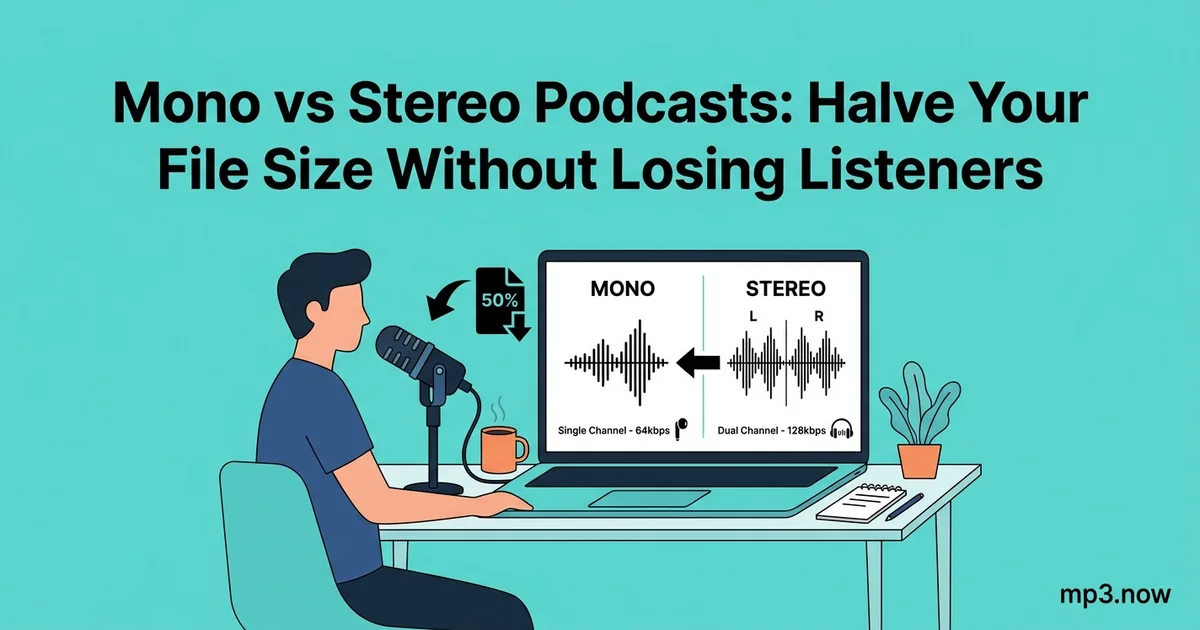
Here is a fact that surprises most podcasters: if your show is people talking into microphones, your stereo MP3 is spending half its bitrate encoding a second channel that contains almost exactly the same audio as the first. Mono is not a downgrade for speech — it is the honest format for it, and switching can halve your file sizes (or double your quality at the same size) without a single listener noticing anything except faster downloads. This guide covers when mono is the right call, when it absolutely is not, and how to convert an existing back catalogue safely.
What stereo actually costs a voice podcast
An MP3's bitrate is a budget shared across everything in the file. A 128 kbps stereo file gives roughly half its bits to each channel; if both channels carry the same mono voice — which is what happens when you record one microphone and pan it center — you are paying twice for the same information. (Joint stereo encoding claws some of this back by encoding what the channels share, but it cannot fully close the gap.) The arithmetic for a one-hour episode:
- 128 kbps stereo: about 58 MB — the common default.
- 64 kbps mono: about 29 MB — comparable per-channel quality, half the size.
- 96 kbps mono: about 43 MB — noticeably better speech quality than 128 kbps stereo, and still 25 percent smaller.
Across a hundred-episode catalogue, that is gigabytes of hosting storage and bandwidth — and for listeners on metered mobile data, it is the difference between streaming your show freely and rationing it. The bitrate guide covers the underlying budget math.
When mono is the right call
- Interview and conversation shows: each voice comes from one mic. There is no spatial information to preserve.
- Solo commentary and narration: one voice, one mic — inherently mono at the source.
- Shows with brief music stings: a five-second intro sting folded to mono loses almost nothing that matters on the phone speakers and single earbuds where podcasts actually get played.
That last point deserves emphasis: a large share of podcast listening happens on devices with no meaningful stereo separation — a phone on the kitchen counter, one AirPod while walking, a car with the listener sitting off-center. Mono is what much of your audience effectively hears anyway.
When mono is the wrong call
- Music-centric shows: if the music is the content — album commentary, mix shows, live sessions — stereo width is part of what you are delivering. Folding a produced track to mono changes its balance and can dull it.
- Audio drama and sound design: panning, movement, and space are storytelling tools. These shows should stay stereo without apology.
- Binaural or spatial content: collapses completely in mono; never convert it.
There is also a technical caution: heavily produced stereo intros can contain elements that partially cancel when the channels are summed. Before converting any episode with produced music, listen to the mono version of the intro specifically. The mono vs stereo FAQ covers phase cancellation and the other edge cases.
Converting the back catalogue
For an existing library of stereo episodes, the conversion is mechanical:
- Fold to mono with a stereo to mono converter, which sums the channels into one. Do this from your WAV masters if you still have them (best quality); converting the published MP3s directly works too and costs one extra lossy generation — acceptable for speech, but listen to a sample first.
- Set the mono bitrate deliberately. 64 kbps mono matches your old 128 stereo per-channel quality; 96 kbps mono upgrades it. A 128 kbps converter is the one-click option when you want maximum compatibility at a standard rate, or use an MP3 compressor to dial in size and bitrate together.
- Adjust your loudness target. Mono files played over two speakers gain apparent loudness, so the convention is about -19 LUFS for mono where you targeted -16 LUFS stereo — re-normalize as part of the conversion pass.
- Spot-check three episodes — an old one, a recent one, one with the most music — before batch-converting a hundred.
How to find out what you are shipping now
Many podcasters do not actually know whether their episodes are mono or stereo, because the export dialog decided for them years ago. Two quick checks settle it. First, look at the file properties: any player's "get info" view reports channels and bitrate. Second — more revealing — check whether your stereo file is actually stereo: open an episode in any waveform editor and compare the two channels. If they are visually identical, you have a mono show wearing a stereo costume and paying stereo prices. That is the situation this whole article exists for, and the fix is one batch conversion away. While you are in there, note your bitrate too: a "stereo 192 kbps" voice show discovered this way can drop to 96 kbps mono and cut its file sizes by three quarters with no audible change.
The decision in one paragraph
If your podcast is voices, go mono at 96 kbps: smaller files, better speech quality, zero audible loss for how people actually listen — and the podcast bitrate FAQ backs the number. If your podcast is music or sound design, stay stereo and spend the bits proudly. The only wrong choice is the accidental one: shipping stereo forever because it was the export default, paying double bandwidth for a second channel nobody can hear. Make the choice once, on purpose, and every episode after inherits it.