
How to Compress an Audio File for Email
Gmail caps attachments at 25 MB; a WAV voice memo blows past that in minutes. The compression ladder — bitrate down, stereo to mono — that fits an hour of speech in one email.
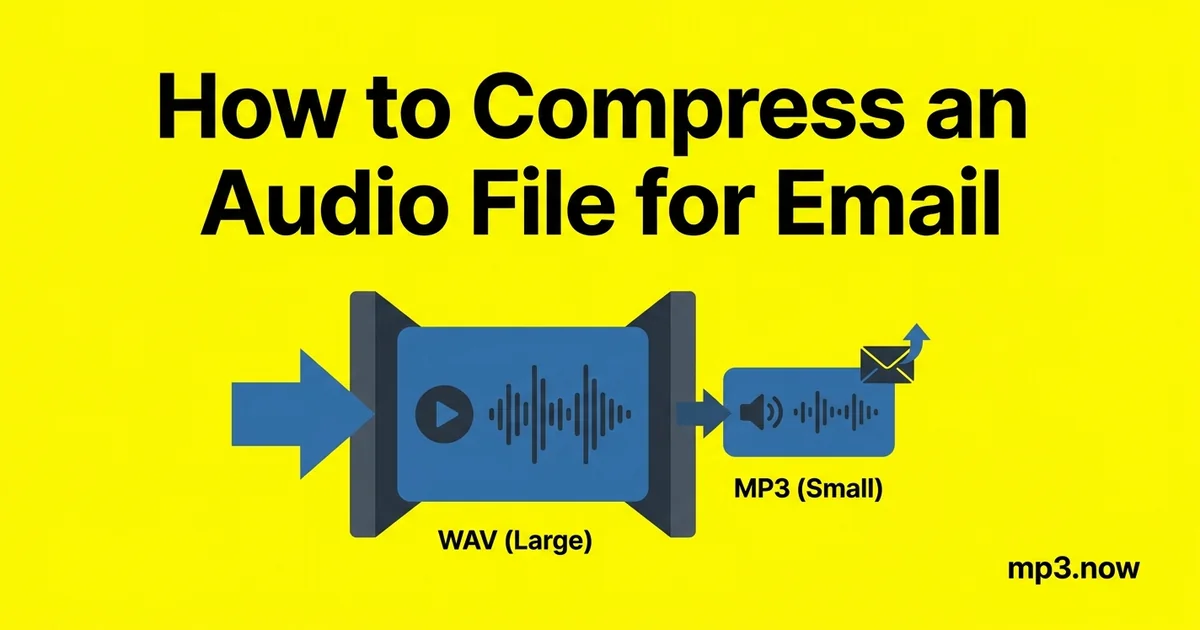
You record an hour-long interview as a voice memo, try to email it, and the message bounces back: attachment too large. Gmail caps attachments at 25 MB, Outlook.com at 20 MB, and many corporate mail servers at 10 MB — while an hour of WAV audio weighs in around 600 MB and even a stereo MP3 of the same hour can top 80 MB. The gap looks hopeless, but speech audio is spectacularly compressible: the same hour can fit in a single email with no meaningful loss in clarity. Here is the compression ladder, rung by rung, with the actual numbers.
Know your ceiling
- Gmail: 25 MB per message (attachments plus encoding overhead — treat ~23 MB as the real budget)
- Outlook.com: 20 MB
- Corporate Exchange servers: commonly 10 MB, sometimes less
- Messaging apps: WhatsApp documents allow up to 2 GB, so sometimes the answer is a different pipe entirely
Note that email encoding inflates attachments by roughly a third in transit on some servers, which is why a 24.9 MB file can still bounce from stricter systems. Aim comfortably under the cap, not at it.
The compression ladder
Work down the rungs until the file fits. Each step is bigger savings than the last; most speech recordings only need the first two or three.
Rung 1: Get out of uncompressed formats
If the recording is WAV or AIFF, this single step does most of the work. Uncompressed CD-quality audio costs about 10 MB per minute; converting with a WAV to MP3 converter at 128 kbps brings that to under 1 MB per minute — a 90 percent reduction before you have traded anything a listener would notice on speech. Phone recordings usually arrive as M4A rather than WAV; an M4A to MP3 conversion puts them in the format every recipient can open, which matters as much as size — nothing wastes a successful send like a "what app opens this?" reply.
Rung 2: Drop the bitrate to speech levels
Music defaults (192–320 kbps) are wild overkill for a voice recording. Speech stays fully intelligible and natural far lower:
- 96 kbps: transparent for voice; 0.72 MB/min
- 64 kbps: the speech workhorse — clean and podcast-normal; 0.48 MB/min
- 48 kbps: noticeably "phone-like" but perfectly usable for reference and transcription; 0.36 MB/min
Converting to 128 kbps or lower with an MP3 compressor is a one-step job. For the background on what these numbers mean, see bitrate settings explained.
Rung 3: Stereo to mono
A voice memo recorded in stereo is the same voice on two channels — you are paying double for nothing. A stereo to mono conversion halves the data cost at any bitrate, and for a single speaker the result is audibly identical. This is the most-skipped rung and one of the best; the reasoning is covered in mono vs stereo.
Rung 4: Trim what nobody needs
The three minutes of shuffling before the meeting starts and the dead air after it ends are pure attachment weight. An online MP3 trimmer cuts the file to the content. If the recipient only needs one answer from a two-hour recording, send the five minutes that contain it.
The math for an hour of speech
- 1 hour WAV, stereo, CD quality: ~600 MB — hopeless
- 1 hour MP3, 128 kbps stereo: ~56 MB — still bounces
- 1 hour MP3, 64 kbps mono: ~28 MB — fits nothing common, close though
- 1 hour MP3, 56 kbps mono: ~24 MB — fits Gmail
- 1 hour MP3, 48 kbps mono: ~21 MB — fits Gmail with margin; near Outlook's cap
- 45 minutes at 64 kbps mono: ~21 MB — the everyday sweet spot
So the practical recipe for a one-hour recording is: convert to MP3, mono, 48–56 kbps, trim the dead air — one email, no links, no logins for the recipient.
When to stop compressing and use a link
Below about 48 kbps, speech starts sounding like a bad phone call, and music should not go below ~128 kbps stereo for anything a listener will judge. If the honest size at acceptable quality still exceeds the cap — multi-hour recordings, music demos, batches of files — switch strategies: a cloud-storage link (Google Drive, Dropbox, WeTransfer) carries any size, at the cost of the recipient clicking through. Email attachments win for convenience and permanence in the thread; links win past ~25 MB. The compression ladder's job is to keep you on the convenient side of that line as often as possible.
What about music attachments?
Everything above assumes speech, because speech is what usually needs emailing. Music demands more care: mono collapses a stereo mix (acceptable for a rough demo, wrong for anything being judged), and bitrates below 128 kbps audibly dull cymbals and air. For a single song, the math is friendlier anyway — a four-minute track at 192 kbps is under 6 MB and emails effortlessly; even 320 kbps keeps it under 10 MB. The email problem is really a long-recording problem, which is why the mono-and-low-bitrate rungs exist. If you are sending an album or a session's worth of mixes, that is multi-file, quality-sensitive territory where a cloud link is the honest answer from the start.
Quick checklist before you hit send
- Convert to MP3 (from WAV, M4A, or whatever the recorder produced).
- Mono for a single voice; 48–96 kbps depending on how it will be used.
- Trim head, tail, and dead air.
- Check the final size against the recipient's likely cap, not just yours.
- Play the first ten seconds before sending — thirty seconds of checking beats a re-send cycle every time.