
Turning Recorded Lectures and Webinars into MP3 for Revision
A semester of lecture recordings won't fit on your phone as video. Extracting audio cuts sizes by 90 percent, and speed-shifted playback turns commutes into revision time.
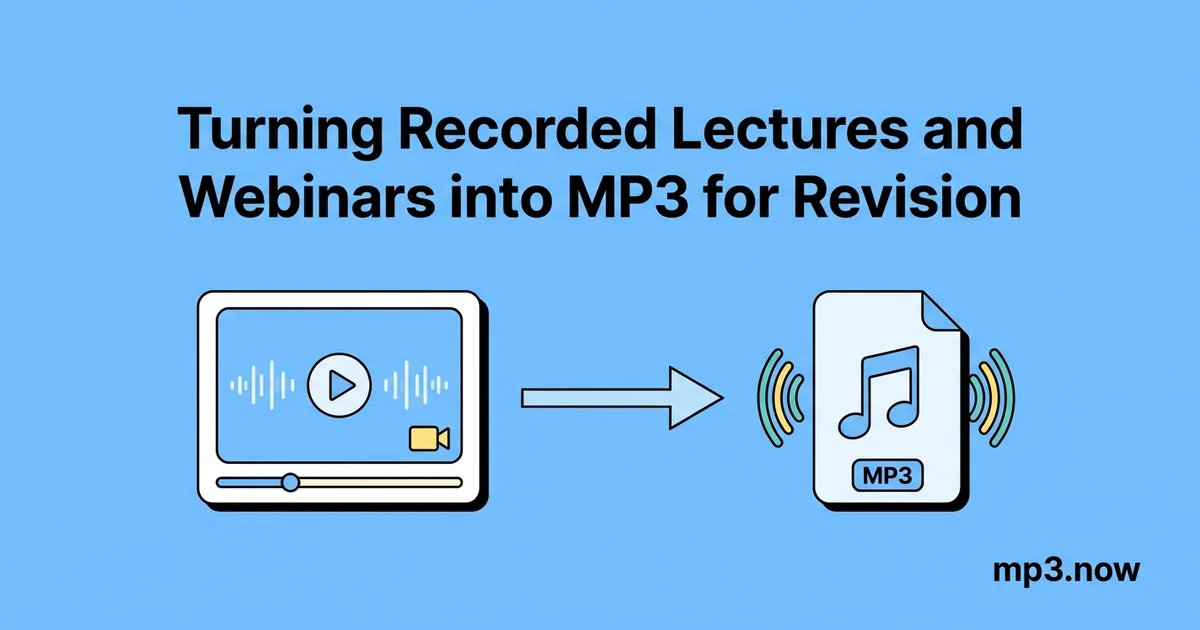
A semester of recorded lectures is a strange kind of asset: thousands of hours of exactly the content you will be examined on, in a format almost perfectly designed not to be used. Each 90-minute lecture capture is a 1-2 GB video of slides that barely change, locked inside a portal player that forgets your position, will not run offline, and drains a phone battery rendering video of a static screen. Students who actually get through their recordings almost all converge on the same trick: turn the videos into audio, load them like podcasts, and listen at speed. Here is the complete pipeline.
Why audio beats video for revision
The insight is that a lecture recording's information is overwhelmingly in the speech. The video track — a slide deck advancing every few minutes — is 90-95 percent of the file size for a sliver of the value, and the slides usually exist separately as a PDF anyway. Extracting the audio buys you:
- A 90-95 percent size cut. A 1.5 GB lecture becomes a 40-80 MB MP3. A full semester of one course fits in the space of a single video.
- Podcast-app superpowers. Offline playback, remembered positions, sleep timers, speed control, background play with the screen off — every feature portals lack, free in any audio player.
- Dead time becomes revision time. Commutes, gym sessions, and walks absorb lectures on the second and third pass, which is where retention actually happens.
Step 1: Get the recording as a file
Lecture capture systems (Panopto, Echo360, Zoom cloud recordings) generally offer a download option — often labeled "Download podcast" or delivering an MP4. Webinar platforms email a recording link after the session. If your institution's portal permits downloads, use them; if downloads are disabled, ask the lecturer — many will share files directly, and audio-only requests are an easy yes. Only convert content you are permitted to have.
Step 2: Extract the audio
Most recordings arrive as MP4, which an MP4 to MP3 converter handles directly — upload, convert, download the audio. OBS captures and some platform exports come as MKV, a container many audio tools reject; an MKV to MP3 conversion covers those. The FAQ on extracting audio from video explains what happens under the hood.
Bitrate: lecture audio is speech from a lapel mic or room system. 96-128 kbps MP3 is fully transparent for this material — see the FAQ on audio bitrate — and mono is worth considering too, since a single lecturer's voice gains nothing from stereo. A 90-minute lecture at 96 kbps mono is around 32 MB.
Step 3: Bake in a faster speed (optional but powerful)
Most playback apps offer speed control, and for lectures 1.25-1.5x is comfortable almost immediately; lecturers speak slowly for note-takers, and revision listening does not need note-taking pace. Two situations justify baking the speed into the file itself with an MP3 speed changer:
- Your player lacks speed control — car stereos, basic MP3 players, some voice-notes apps.
- You want the time math fixed. A 90-minute lecture rendered at 1.5x is a 60-minute file: playlists, commute planning, and "how much is left" all reflect real listening time.
Modern time-stretching shifts tempo without pitch, so the lecturer sounds like themselves, just brisker. Push past about 1.75x only for material you are re-listening to; comprehension of genuinely new, dense content drops off beyond that for most people.
Step 4: Organize like a course, not a downloads folder
- Name for sort order:
BIO201_wk04_enzymes.mp3sorts a semester correctly forever; "lecture(3).mp3" does not. - One folder per course, synced to your phone, or loaded into a podcast app that supports local files — that single choice upgrades everything with remembered positions and per-course playlists.
- Keep the slide PDFs adjacent. Audio for the commute, slides for the desk; the combination replaces the video for nearly all revision purposes.
What this workflow is and is not good for
Honesty matters here because exam results are on the line. Audio-first revision excels at second-pass consolidation: you attended the lecture (or watched it once), and listening again cements structure, arguments, and emphasis. It is weaker as a first exposure to heavily visual material — a proof derived line by line on a board, anatomy slides, code walkthroughs. For those, do the first pass with video and slides, then demote to audio for repetition. Discussion-heavy webinars sit in between; if the value was in the shared screen, keep the video for the segments that need it.
A semester-scale example
One course, 24 lectures of 90 minutes: roughly 30-40 GB as portal video. The same course as 96 kbps mono MP3 at 1.5x baked speed: about 500 MB and 24 hours of listening. That fits on any phone with room to spare and turns a 40-minute round-trip commute into a full lecture per day — the entire course re-heard in under five weeks of ordinary travel, without allocating a single desk hour. Add compression passes for anything you want to share with a study group over chat, and the whole semester's material becomes something you can carry, search, and actually finish.
The lectures were always the best study resource you had. The format was just wrong. The whole conversion pipeline for a semester takes an evening, needs no software beyond a browser, and costs nothing — and ninety percent smaller plus fifty percent faster turns out to be the exact difference between recordings you merely have and recordings you actually use before the exam.